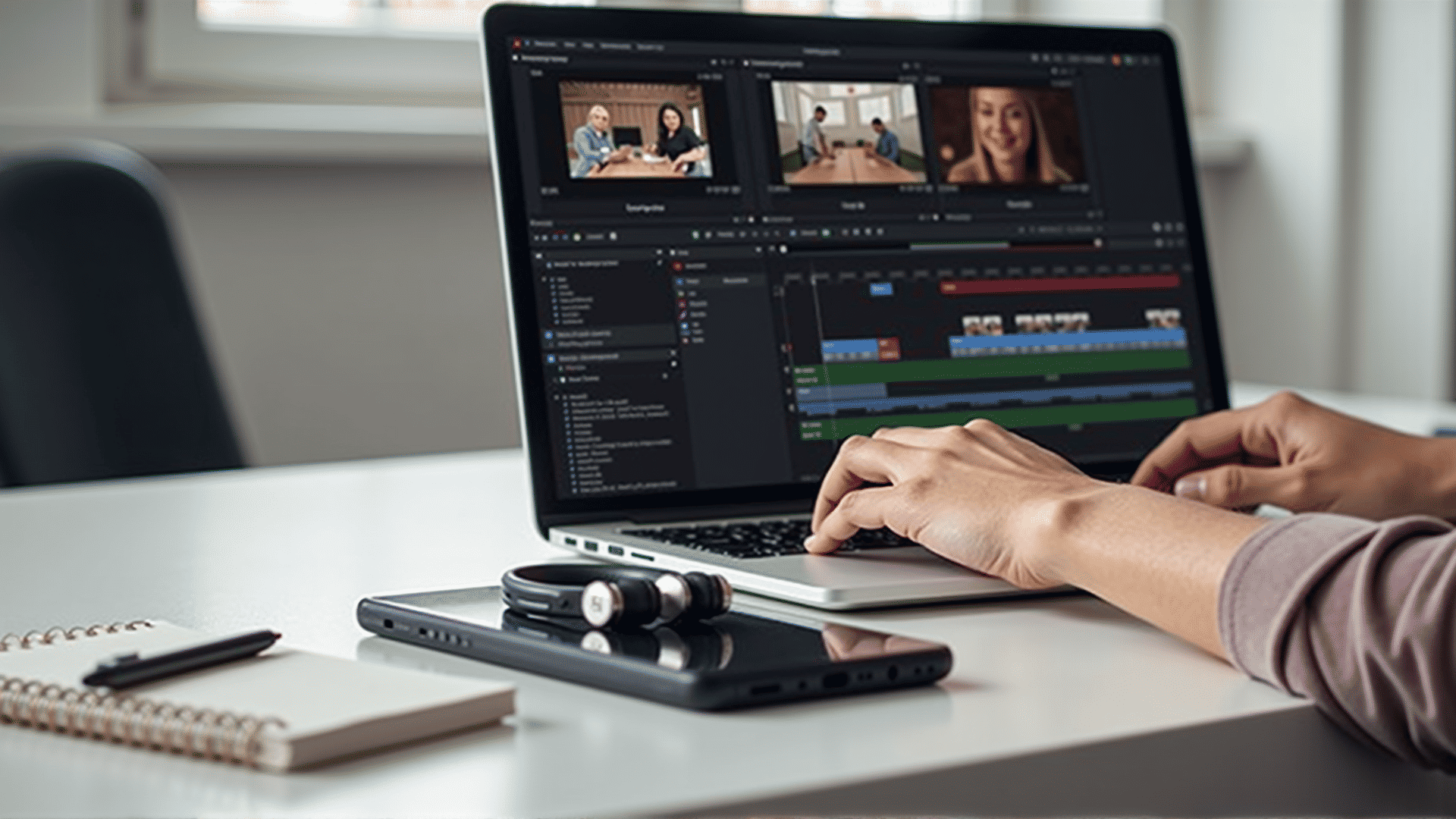
Getting started with video editing can seem daunting at first, but learning some essential techniques will make the process much smoother. With a bit of practice, these skills will help you create engaging and dynamic videos.
1. Understanding the Basics
Before diving into editing, it's crucial to grasp the fundamental concepts of video production. This includes understanding different file formats, frame rates, and resolutions. Familiarize yourself with common software interfaces and tools to navigate the editing environment efficiently.
2. Organizing Your Footage
Organization is key. Properly label and arrange your clips in folders to easily locate and manage them during the editing process. This also involves cleaning up your footage by trimming unnecessary parts and keeping only the best takes.
3. Mastering the Timeline
The timeline is where you will spend most of your editing time. Learn how to cut, move, and extend clips on the timeline. Practicing these basic operations will allow you to create a natural flow and pace in your videos.
4. Transitions and Effects
Transitions are used to connect different clips smoothly. Popular options include cross-dissolve, fade in, and fade out. While effects can enhance your video, use them sparingly to maintain a professional look. The goal is to enhance storytelling without overwhelming the audience.
5. Working with Audio
Good audio can significantly enhance your video's appeal. Learn to adjust volume levels, add background music, and implement sound effects. Be mindful of balancing audio elements so that dialogue is clear and music or effects don't overshadow speech.
6. Color Correction and Grading
Adjusting colors in your video can dramatically alter its mood. Basic color correction involves tweaking brightness, contrast, and saturation to achieve a balanced look. Color grading goes a step further, helping you establish a particular style or emotion across your video.
7. Adding Titles and Text
Titles and text help convey important information and can add style to your video. From opening credits to subtitles, these elements should be easy to read and relevant to the content.
8. Exporting Your Final Product
Once editing is complete, it's time to export your video in a suitable format for your intended platform. Ensure you select settings that balance quality and file size, keeping your distribution method in mind.
Learning these essential video editing techniques will provide a strong foundation for beginners. As you gain experience, you'll be able to explore more advanced features and refine your skills further. Remember, practice and patience are key to mastering video editing.