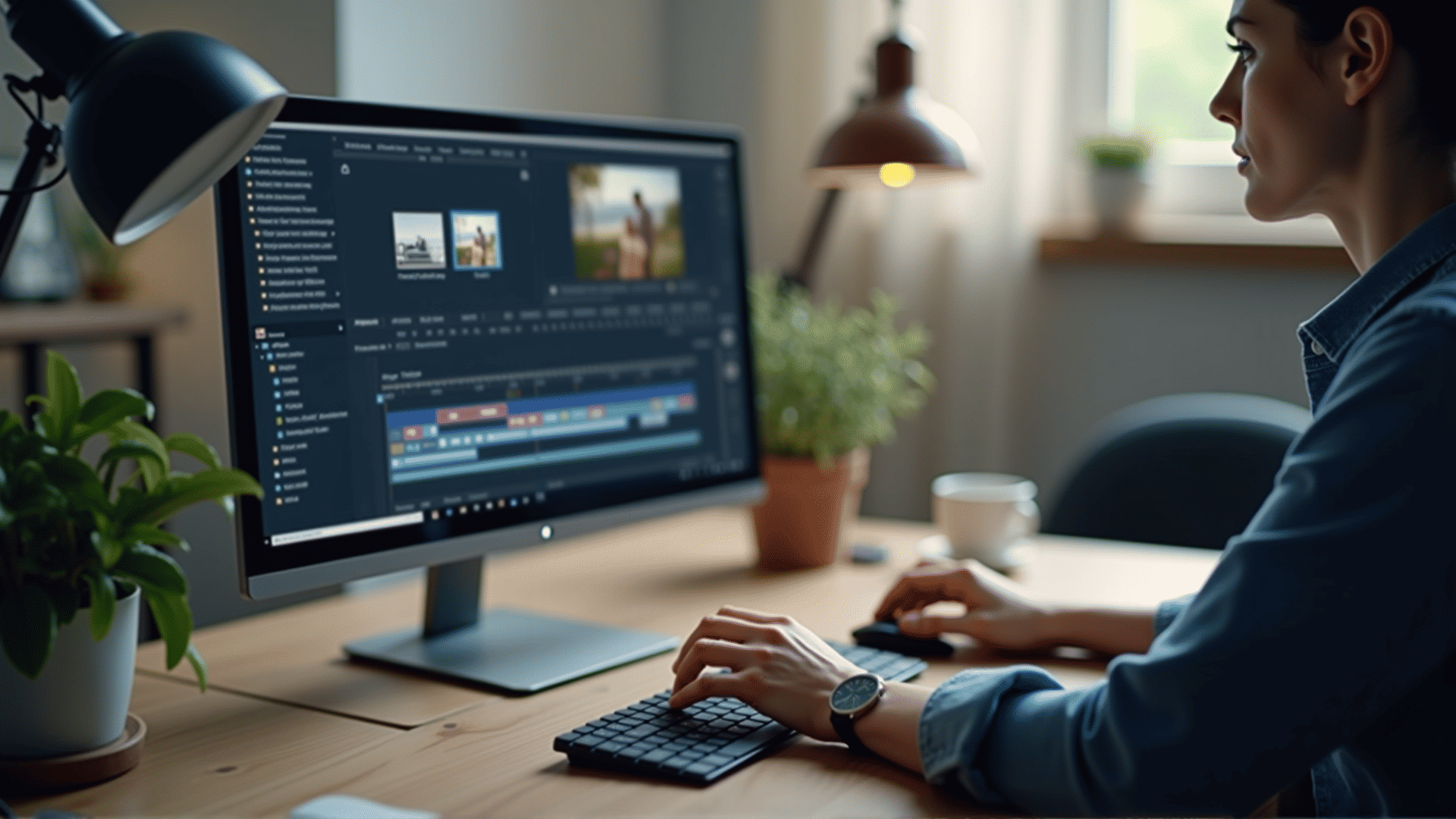
Venturing into the world of video editing can be an exciting yet overwhelming experience, especially for beginners. Understanding basic editing tools is essential to creating polished videos efficiently. Here, we'll explore these tools and how they can enhance your editing workflow.
1. Timeline:
The timeline serves as the backbone of any editing software. It is where you assemble and organize your video clips, audio, and effects in a sequential order to create the desired narrative. Familiarizing yourself with the timeline is crucial as it allows you to structure your project with precision.
2. Trimming and Cutting:
These foundational tasks are crucial for refining your video content. Trimming involves adjusting the start and end points of a clip to remove unwanted parts, while cutting allows you to split clips into smaller sections. Mastering these tools helps in focusing on key moments and improving the overall pace of the video.
3. Transitions:
Transitions are effects placed between clips to enhance the flow of your project. Common transitions include fades, wipes, and dissolves. By using transitions effectively, you can guide your audience smoothly from one scene to another, creating a more immersive viewing experience.
4. Text and Titles:
Adding text and titles is essential for providing context or emphasizing certain elements within your video. Most editing software offers customizable text tools where you can adjust font, size, color, and animations. Learning to design visually appealing titles can significantly enhance your storytelling.
5. Audio Control:
Sound plays a vital role in video production. Basic audio controls allow you to adjust volume levels, balance sound effects, and integrate background music effectively. Understanding these tools ensures that dialogue is clear and that audio complements your visual content.
6. Color Correction:
Achieving consistent and accurate colors can dramatically improve the quality of your footage. Basic color correction tools enable you to adjust brightness, contrast, saturation, and hue to match the mood of your project. This step is crucial for maintaining a professional look across all scenes.
7. Effects:
Special effects can add creativity and depth to your video. Many editing programs offer a range of built-in effects, such as slow motion, blur, and green screen keying. While it's easy to get carried away, using effects sparingly and purposefully can elevate your project without overwhelming the viewer.
8. Export Settings:
The final step in the editing process is exporting your video. Understanding the various export settings, such as resolution, frame rate, and file format, ensures that your video maintains high quality. Proper export settings are crucial for different platforms, whether you're sharing online or presenting offline.
As you begin your editing journey, remember that practice is key. The more you experiment with these tools, the more confident you'll become in creating content that is both engaging and professional. Happy editing!